Creating Announcements
Instructors can send class announcements to students via Canvas. Once saved in Canvas, the title and body of each announcement are delivered to students’ email addresses.


Instructors can send class announcements to students via Canvas. Once saved in Canvas, the title and body of each announcement are delivered to students’ email addresses.
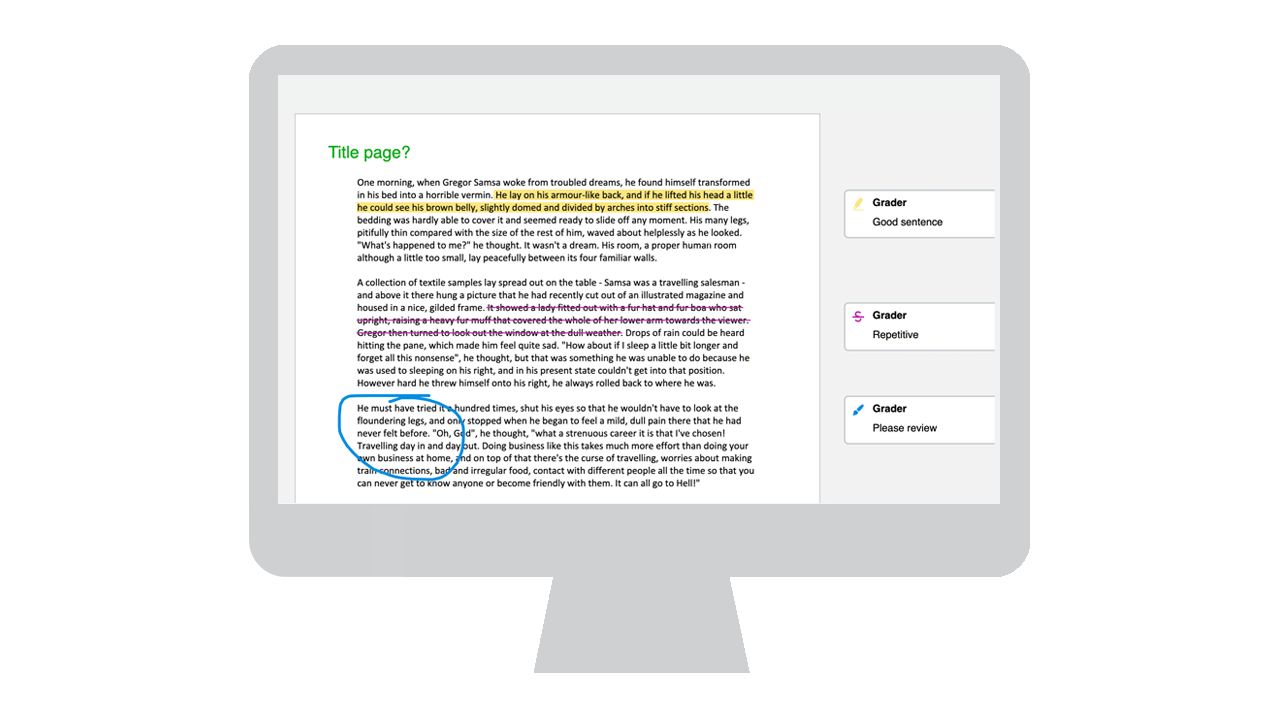
SpeedGrader, a grading and feedback feature in Canvas, gives instructors a number of ways to “mark up” and grade students’ submissions.
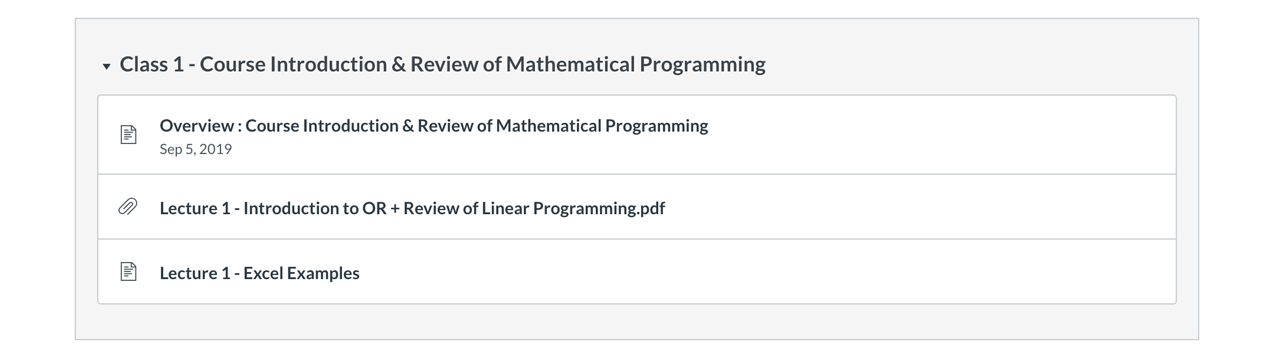
Lecture slides, readings, relevant news articles and other course material can be shared via the Modules page in Canvas. Students can access these resources using their computers or smartphones.
If an instructor is teaching a course with multiple sections, they have the option to combine sections into a multi-section course on Canvas.
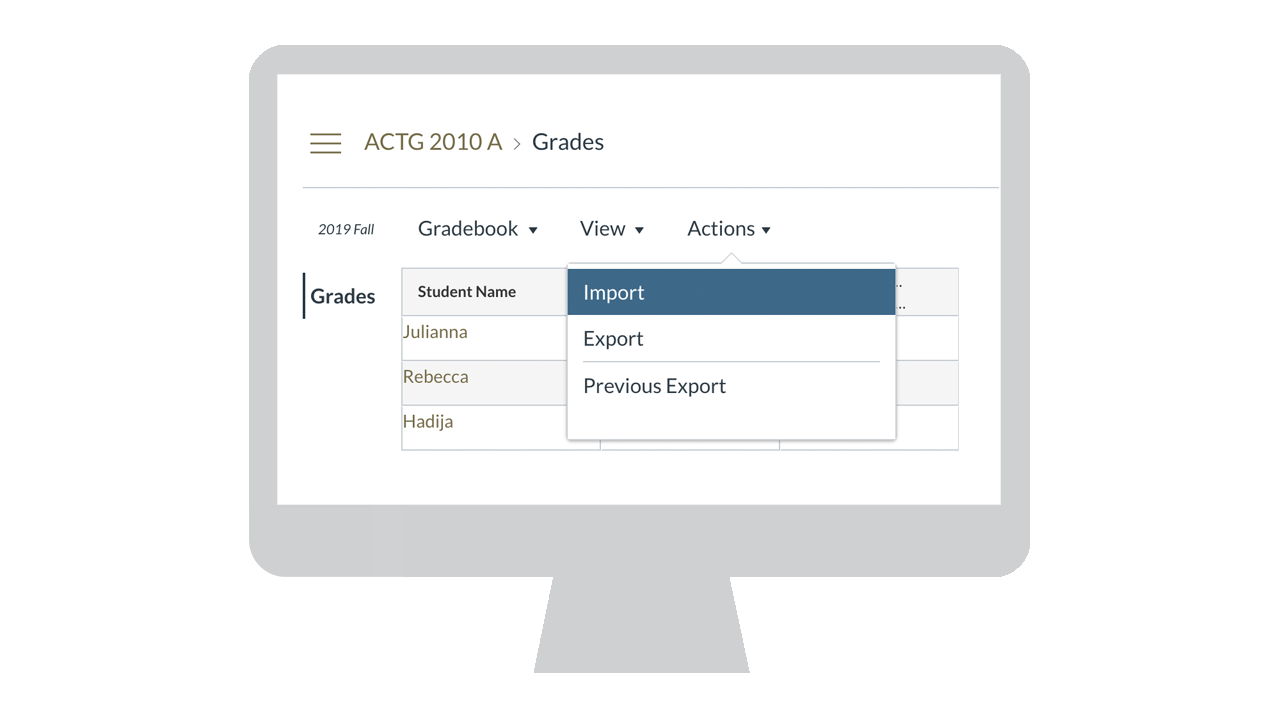
Many instructors use their own spreadsheet to manage grades. If you instead export the gradebook from Canvas to a spreadsheet, you may easily move grades into and out of Canvas.
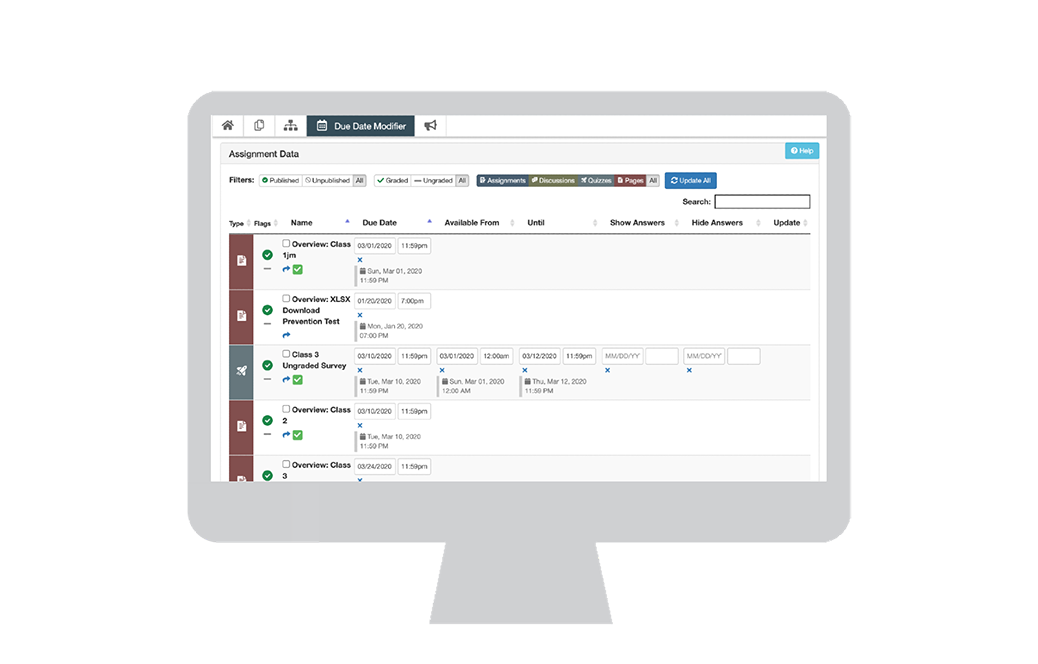
The Multi-Tool can be used to update all relevant dates and times in your course at once, saving you time when setting up your course.
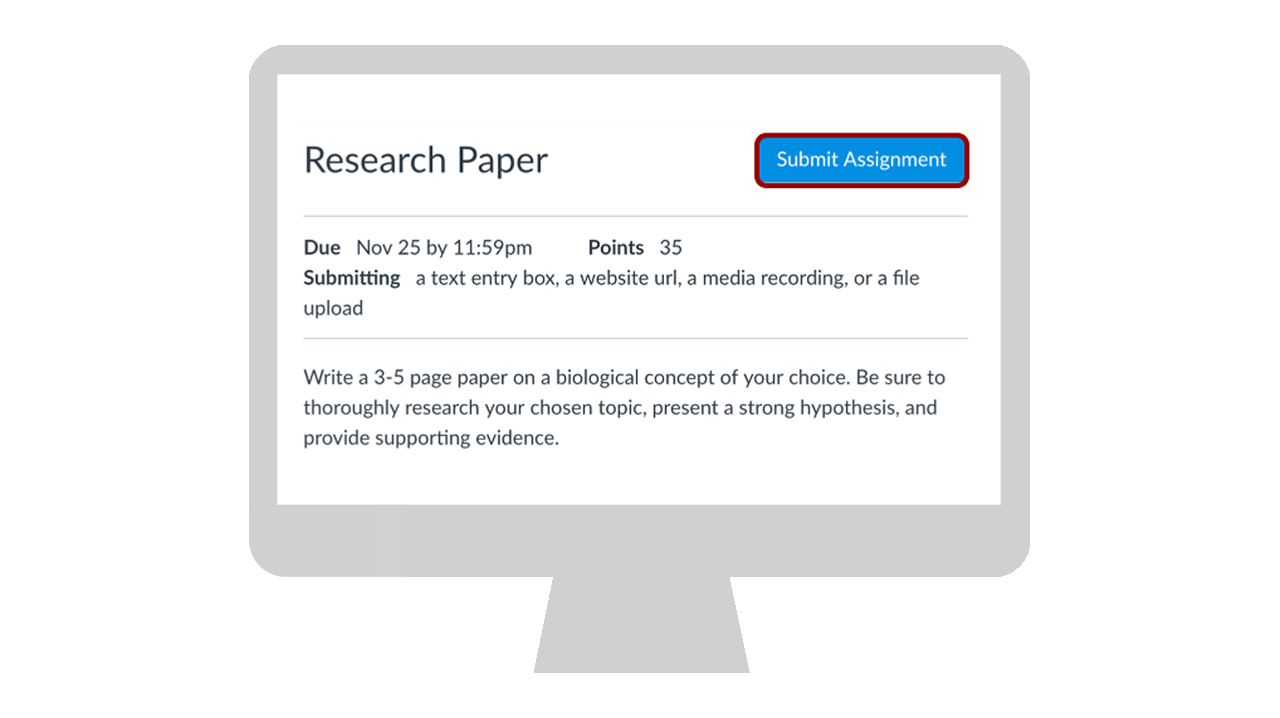
Easily manage student submissions using online assignments. Instructors can easily message students who haven't submitted, provide feedback directly from Canvas and download all submissions for offline marking.
All course basics (the content found in the course outline) can be found on the Syllabus page in Canvas. This page is automatically populated with basic information (meeting time, room number, instructor, supporting admin).
Each Canvas course includes a calendar that shows due dates, meeting times and other important events.