Skip to content
FacebookXInstagramPinterest
Schulich Teaching Innovation Studio Logo
  • Director’s Digest
  • Always Learning Library
  • Ins & Outs
  • Events
  • Teaching Awards
  • Navigating Group Work Challenges
    Gallery

    Navigating Group Work Challenges

    Canvas Quick Tips

Navigating Group Work Challenges

Student group work can be challenging, especially when working around conflicting team schedules. Review tips when assigning group work and navigating student challenges.

By Jeff Pinto|2026-02-04T14:05:49-05:00April 9, 2021|Canvas Quick Tips|Comments Off on Navigating Group Work Challenges
Read More
  • Accessing Canvas From Your Mobile Device
    Gallery

    Accessing Canvas From Your Mobile Device

    Canvas Quick Tips

Accessing Canvas From Your Mobile Device

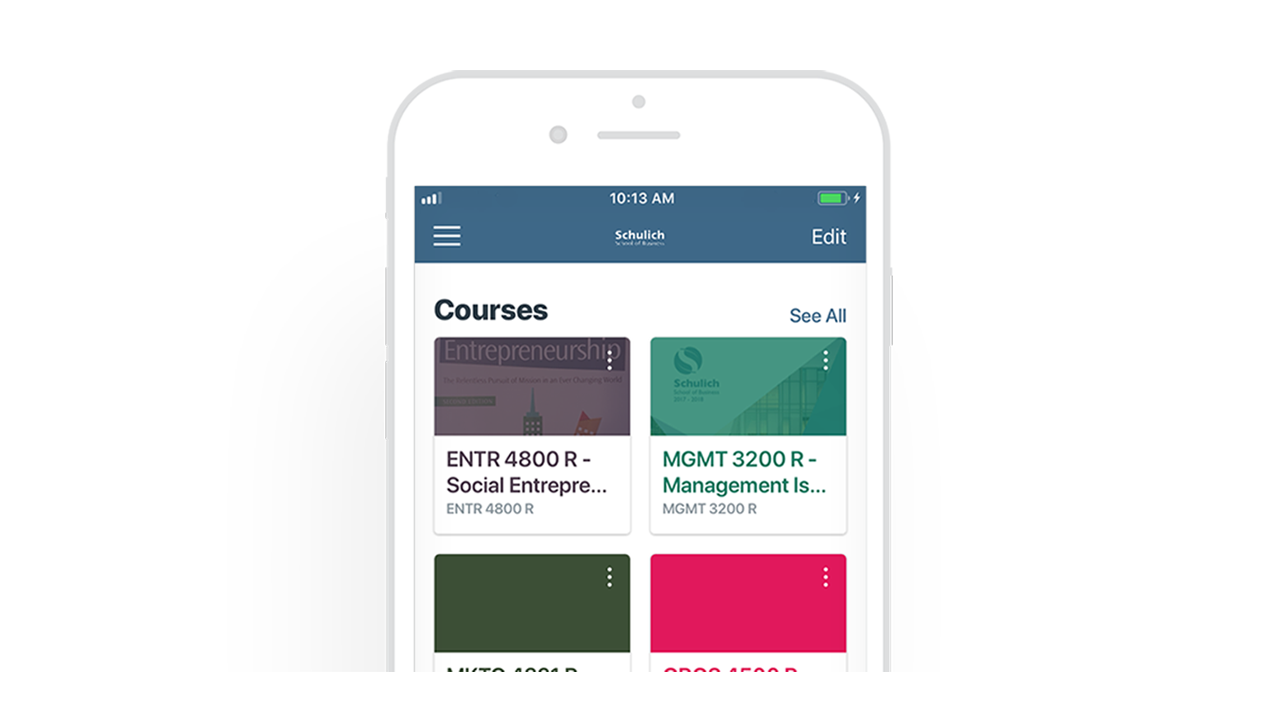
Canvas mobile apps allow students to stay connected with their courses and instructors to manage common course tasks on the go. Available for both Android and iOS.

By Jeff Pinto|2026-02-04T14:06:24-05:00December 20, 2019|Canvas Quick Tips|Comments Off on Accessing Canvas From Your Mobile Device
Read More
  • Grading tools on a stylized monitor
    Marking Up Student Submissions in SpeedGrader
    Gallery

    Marking Up Student Submissions in SpeedGrader

    Canvas Quick Tips

Marking Up Student Submissions in SpeedGrader

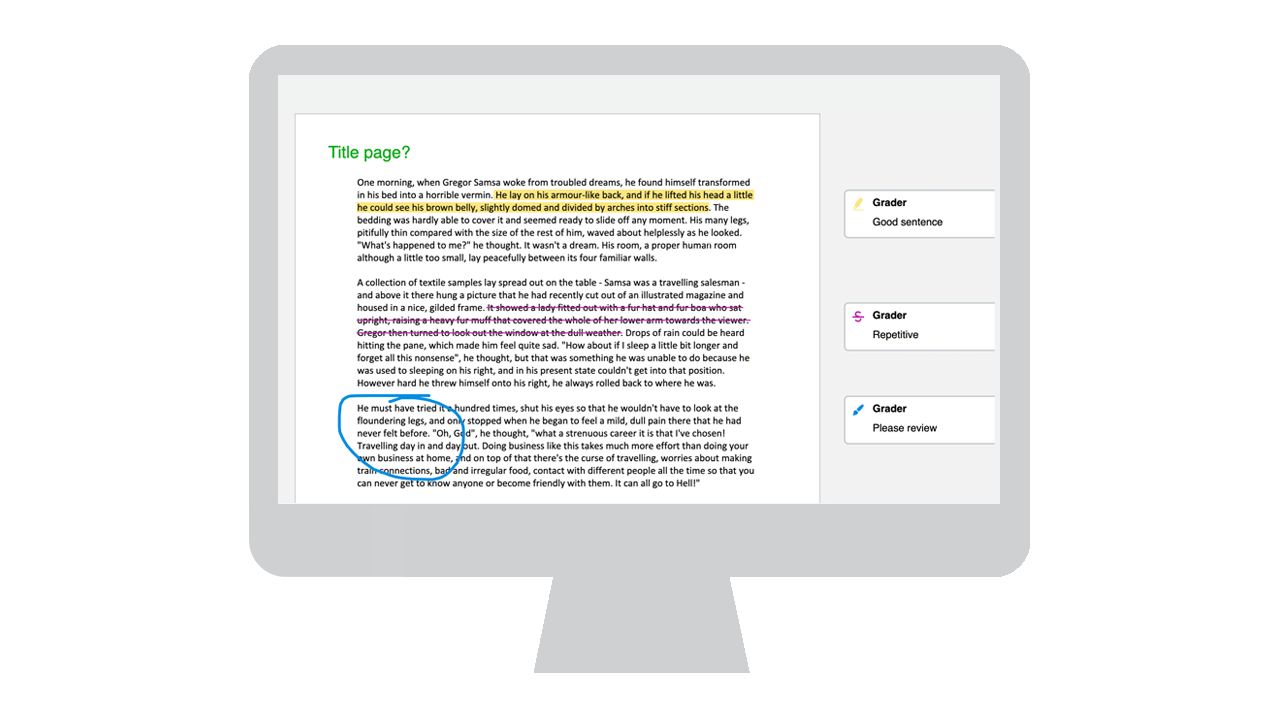
SpeedGrader, a grading and feedback feature in Canvas, gives instructors a number of ways to “mark up” and grade students’ submissions.

By Jeff Pinto|2026-02-04T14:06:25-05:00December 20, 2019|Canvas Quick Tips|Comments Off on Marking Up Student Submissions in SpeedGrader
Read More
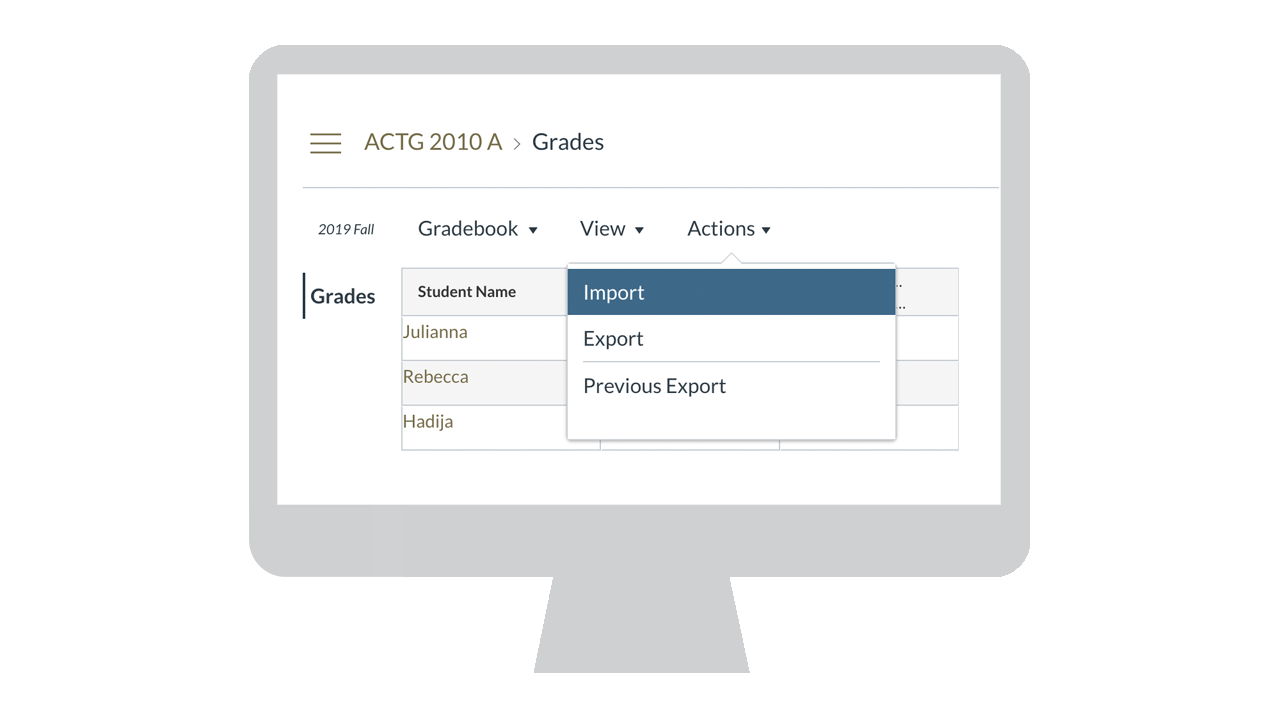
  • Getting Grades Into and Out of Canvas Easily
    Gallery

    Getting Grades Into and Out of Canvas Easily

    Canvas Quick Tips

Getting Grades Into and Out of Canvas Easily

Many instructors use their own spreadsheet to manage grades. If you instead export the gradebook from Canvas to a spreadsheet, you may easily move grades into and out of Canvas.

By Jeff Pinto|2026-02-04T14:06:26-05:00February 13, 2020|Canvas Quick Tips|Comments Off on Getting Grades Into and Out of Canvas Easily
Read More
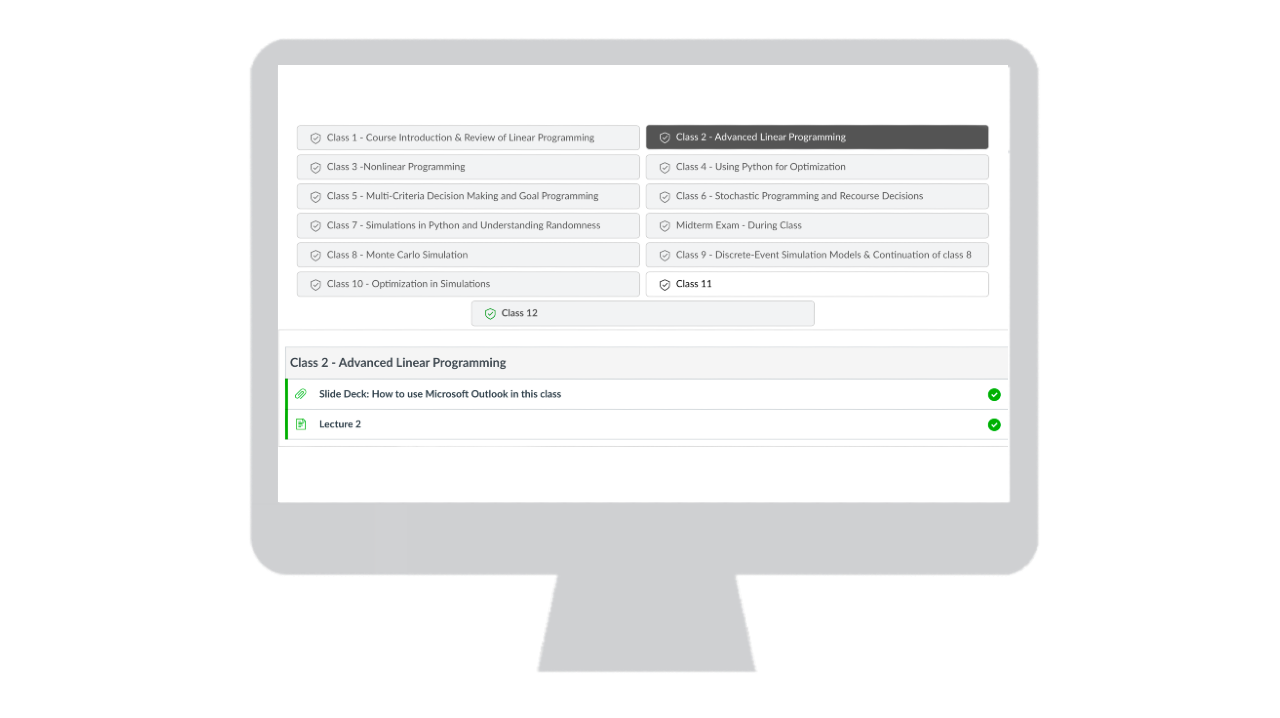
  • Enhancing Module Navigation
    Gallery

    Enhancing Module Navigation

    Canvas Quick Tips

Enhancing Module Navigation

Using Design Tools, you can enhance a student's experience when navigating a course's modules in Canvas.

By Usama Aziz|2026-02-04T14:06:26-05:00November 30, 2020|Canvas Quick Tips|Comments Off on Enhancing Module Navigation
Read More
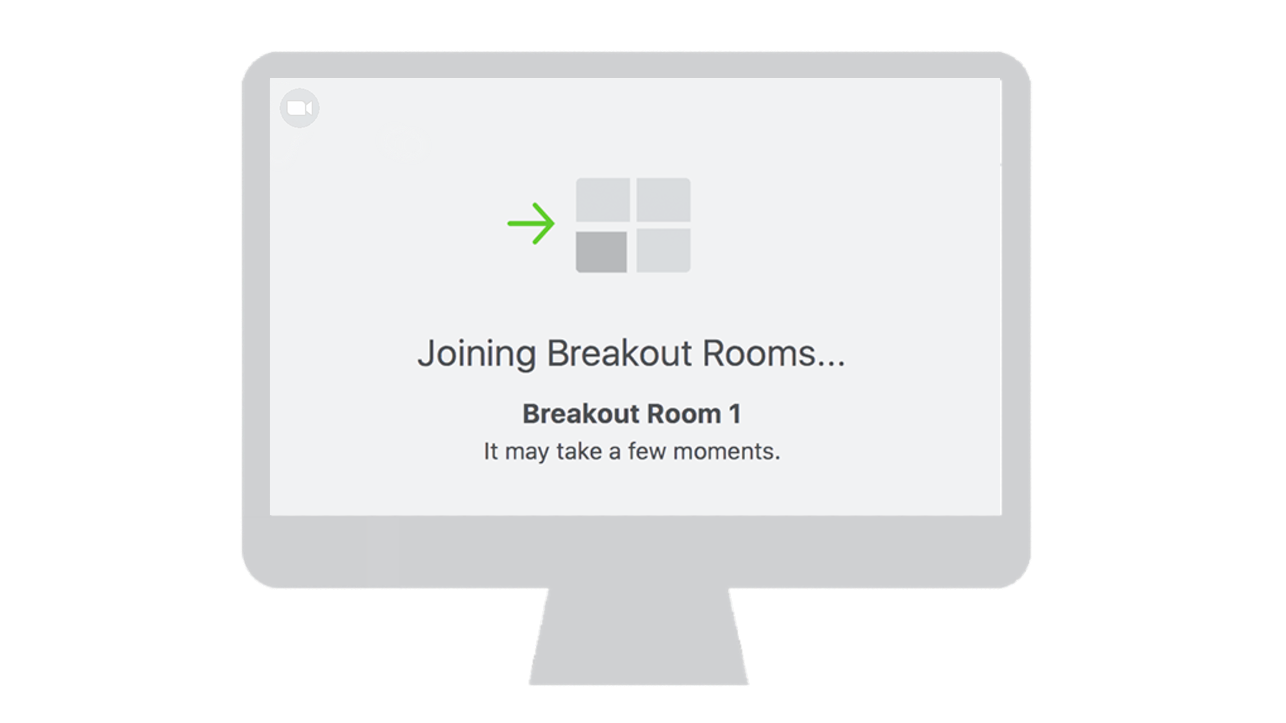
  • Allowing Students to Select Their Breakout Rooms
    Gallery

    Allowing Students to Select Their Breakout Rooms

    Canvas Quick Tips

Allowing Students to Select Their Breakout Rooms

With Zoom's recent update, instructors can now allow students to select which Breakout Room they would like to join.

By Usama Aziz|2026-02-04T14:06:26-05:00November 30, 2020|Canvas Quick Tips|Comments Off on Allowing Students to Select Their Breakout Rooms
Read More
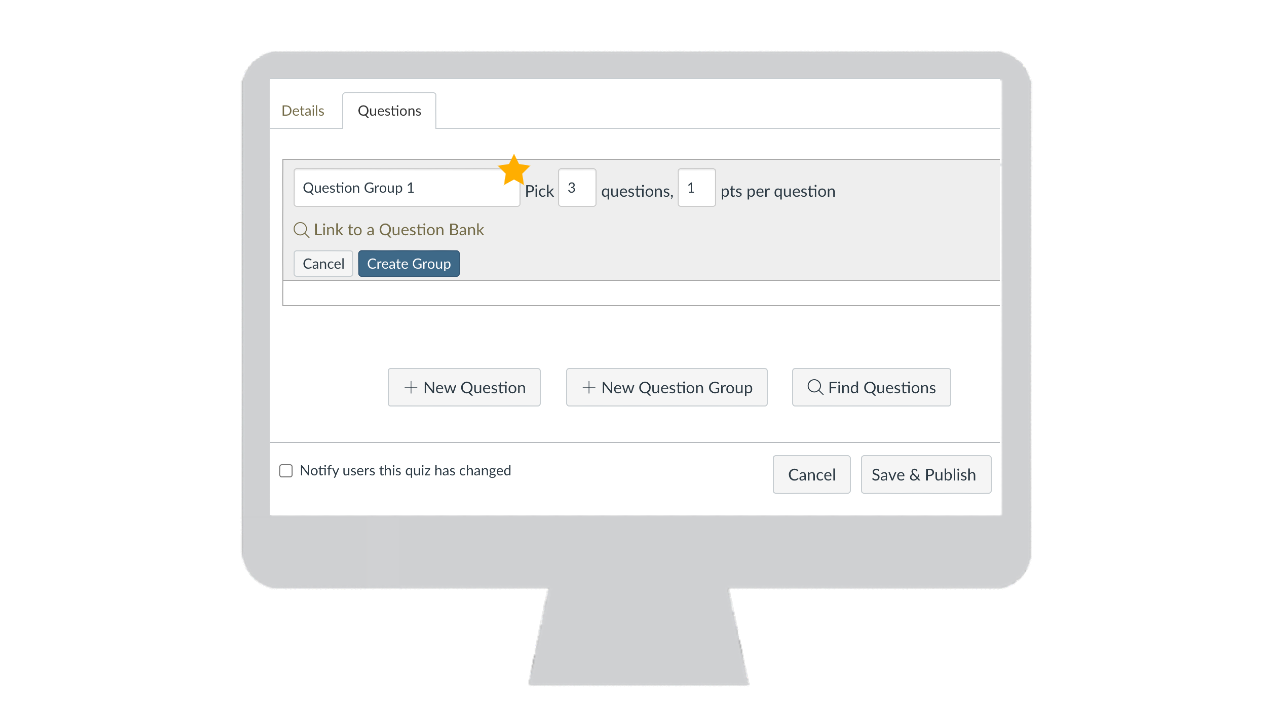
  • Using Question Groups to Randomize Quiz Content
    Gallery

    Using Question Groups to Randomize Quiz Content

    Canvas Quick Tips

Using Question Groups to Randomize Quiz Content

In Canvas, you can use Question Groups to randomize the questions in your quiz, helping you uphold Academic Honesty in your course.

By Usama Aziz|2026-02-04T14:06:26-05:00November 24, 2020|Canvas Quick Tips|Comments Off on Using Question Groups to Randomize Quiz Content
Read More
  • Reviewing Student Engagement in Echo360
    Gallery

    Reviewing Student Engagement in Echo360

    Canvas Quick Tips

Reviewing Student Engagement in Echo360

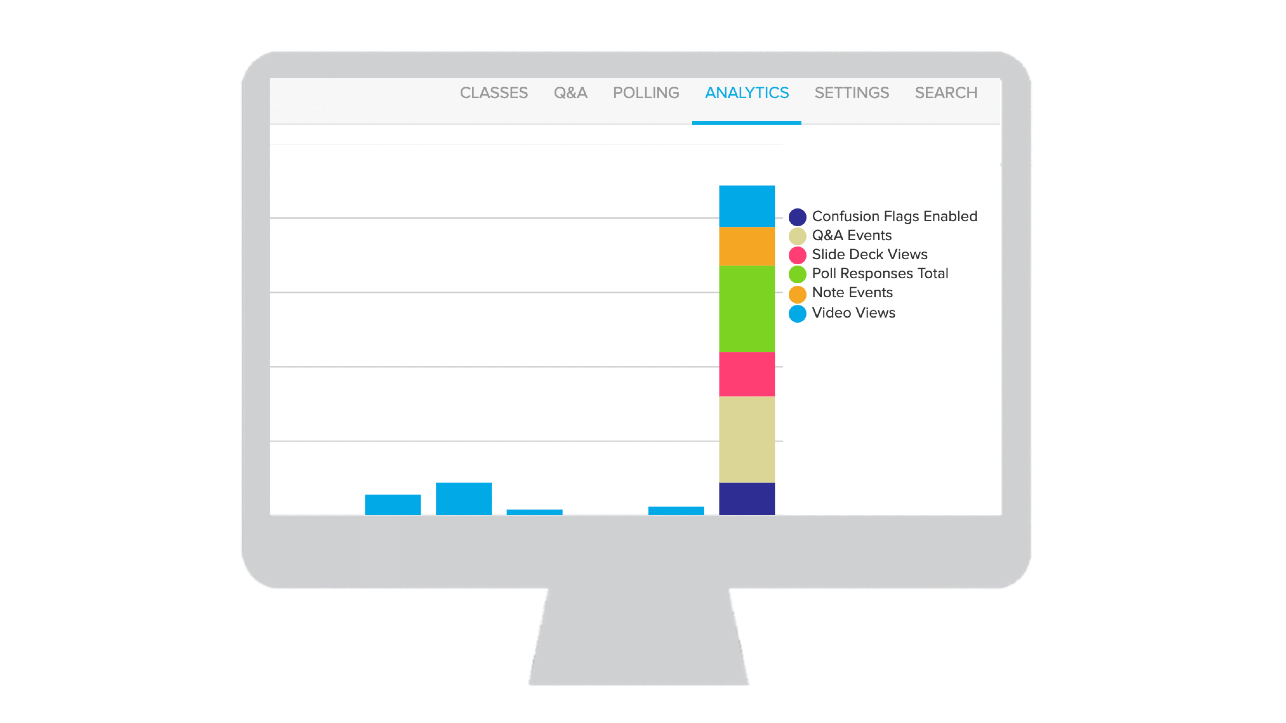
In Echo360, you can review the analytics on your videos and presentations to optimize student engagement.

By Usama Aziz|2026-02-04T14:06:26-05:00November 2, 2020|Canvas Quick Tips|Comments Off on Reviewing Student Engagement in Echo360
Read More
  • Maximizing Your Canvas Storage with Echo360 Videos
    Gallery

    Maximizing Your Canvas Storage with Echo360 Videos

    Canvas Quick Tips

Maximizing Your Canvas Storage with Echo360 Videos

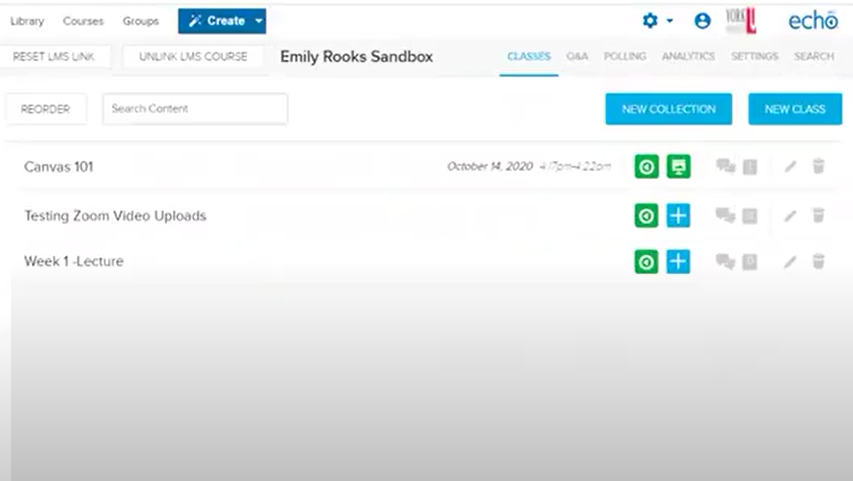
Each Canvas course has approximately 3GB of space to upload files. Use Echo360, a tool available in Canvas, to upload unlimited videos to your course.
By Jeff Pinto|2026-02-04T14:06:26-05:00February 17, 2021|Canvas Quick Tips|Comments Off on Maximizing Your Canvas Storage with Echo360 Videos
Read More
12Next
Copyright 2026 | Schulich School of Business York University  |Privacy